
Beast of Reincarnation system requirements: the quick answer
At the time of this review, this wiki cannot safely reproduce a CPU, graphics card, RAM, storage, or 1440p number from the live Steam Requirements block. The official Steam product page is still the source of record for the PC build, and its current listing should outrank a cached article, a video description, a Reddit comment, or a third-party benchmark page.
That does not make the question unanswerable. It changes what a responsible answer looks like. Open Steam, find the requirements section for app 2001760, compare each line with your own hardware, and record the platform, date, and game version. The result is more useful than a neat table whose values may belong to a preview build, another region, or a later patch.
This page separates confirmed platform information from fields that still need a live store check. It also explains why minimum requirements, recommended requirements, PC performance, and 1440p targets are related but not interchangeable search intents.
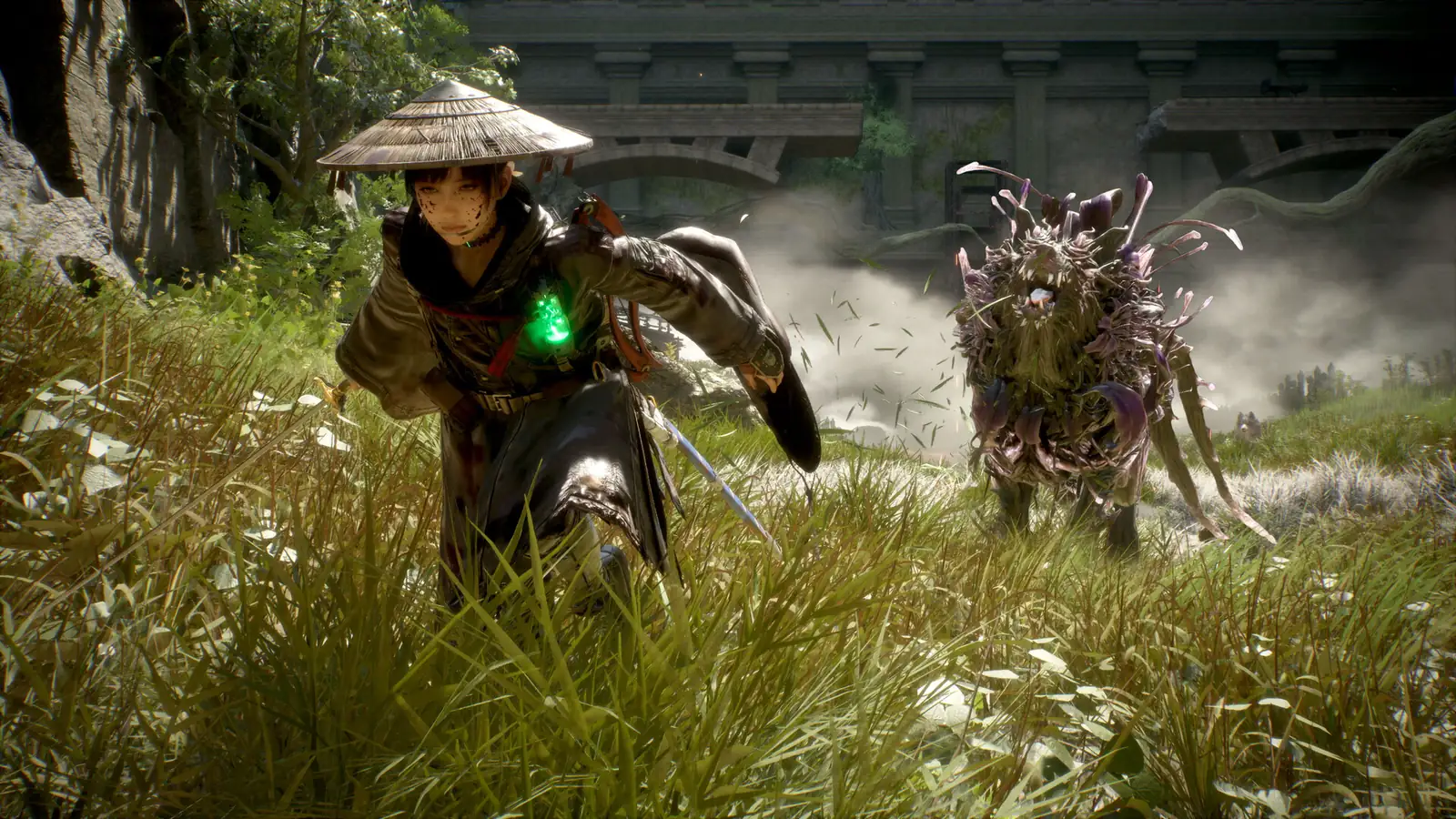
The official Steam listing is the source of record
Beast of Reincarnation has a confirmed Windows PC destination through Steam. The store page is where a player should verify the current requirements, storage wording, supported operating system, languages, controller declarations, and any changes made after launch. The Steam app ID is 2001760, which helps distinguish the product from similarly named search results.
Search results can still be useful for finding questions, but they are not automatically official. Similarweb shows SystemRequirementsLab, PCGameBenchmark, Reddit, and YouTube among leading destinations for related requirements queries. Treat those pages as comparison or discovery sources only. If one of them disagrees with the live Steam block, the current first-party listing is the safer reference for the Steam build.
| Field | What to verify on Steam | What this page will not invent |
|---|---|---|
| CPU | Minimum and recommended processor lines, including any generation or architecture note. | A processor model copied from an unverified snippet. |
| GPU | Graphics card family, driver context, and whether the store separates minimum from recommended. | A guaranteed FPS result or a GPU tier inferred from a trailer. |
| Memory | The RAM amount shown for the current PC listing. | A claim that a number works for every patch or background workload. |
| Storage | Required free space and whether an update may need temporary room. | A permanent install-size promise based on an old cache. |
| Operating system | Supported Windows version and any platform-specific notes. | macOS or Linux support without a first-party listing. |
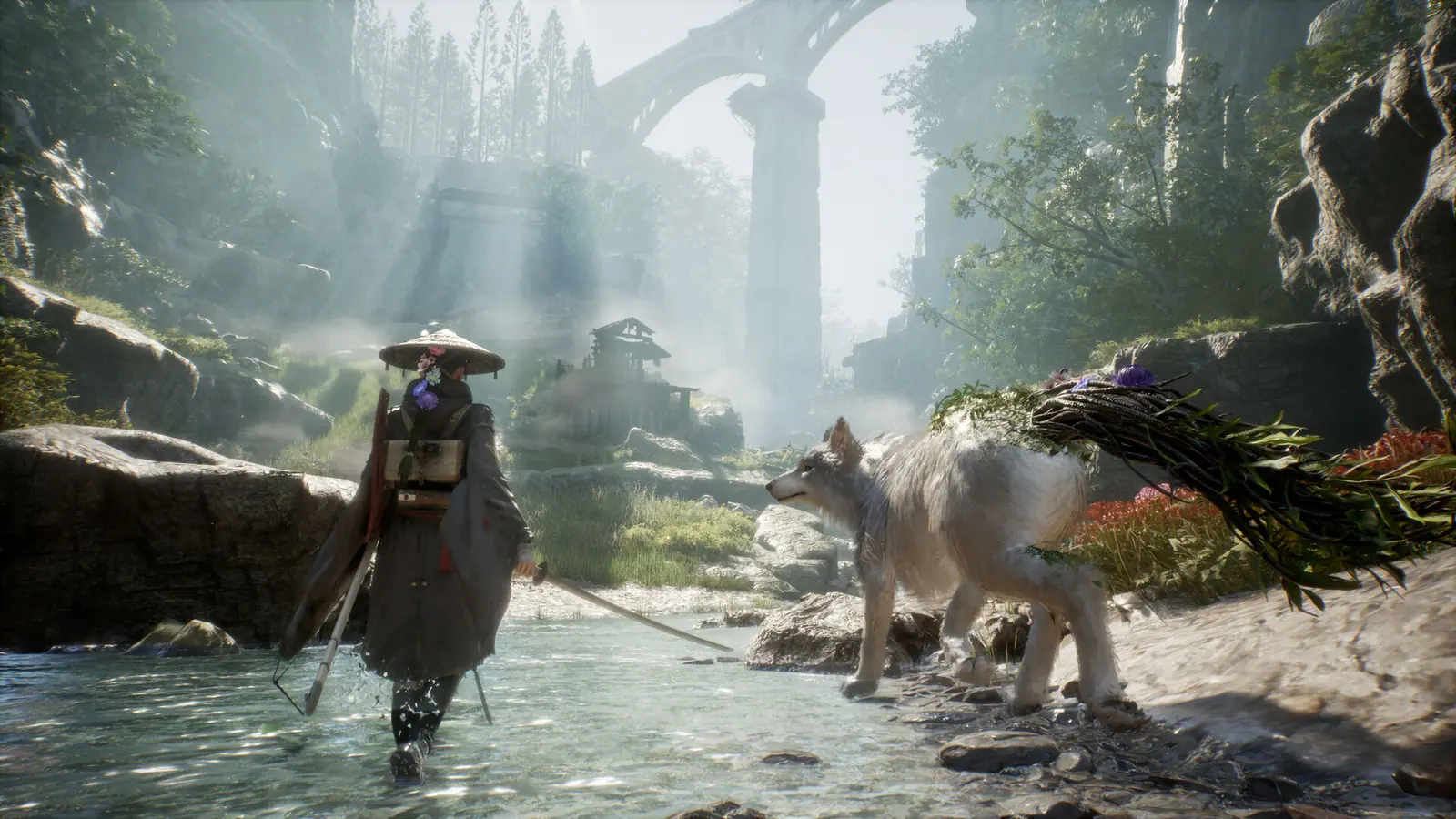
Minimum vs recommended vs 1440p requirements
The phrase “minimum requirements” normally describes the lowest published configuration for starting or running a supported build under a defined set of conditions. It does not promise a particular frame rate, visual preset, resolution, or stable result during every encounter. “Recommended requirements” usually describes a more comfortable target, but the actual meaning still belongs to the publisher’s wording and test assumptions.
The related searches for Beast of Reincarnation include minimum requirements, PC specs, recommended specs, PC performance, and 1440p system requirements. They should be kept separate in the article because a 1440p target asks for a resolution-specific performance expectation, while a store requirements table may only state the hardware needed to launch or play. Without a published target, this page will not turn one into a guarantee.
| Search phrase | Useful interpretation | Decision |
|---|---|---|
| Minimum requirements | The lowest official configuration and its stated assumptions. | Check the live Steam block; do not fill missing values from a forum. |
| Recommended requirements | A higher published configuration for a more comfortable target. | Use only when the official listing defines it. |
| PC specs / system requirements | A broad request for the official CPU, GPU, RAM, storage, and OS fields. | This is the scope of this guide. |
| 1440p system requirements | A resolution-specific expectation that needs a stated preset and performance target. | FAQ and limitation, not a fabricated tier. |
| PC performance | Observed behavior influenced by hardware, settings, drivers, patches, and the scene. | Requires a named test setup; no universal FPS claim here. |
How to check whether your PC is ready
Use the following process before buying or troubleshooting. It is deliberately platform- and version-aware, so the answer remains useful when a store page or patch changes.
- Open the first-party product page
Use the Steam listing for app 2001760 and confirm that the title, developer, platform, and edition match Beast of Reincarnation. - Copy the live requirements fields
Record the CPU, GPU, RAM, storage, and operating-system lines together with the date checked. Do not copy only the line that looks most favorable. - Identify your own hardware
On Windows, check the processor and installed memory in System Information, and check the graphics adapter in Device Manager or the graphics settings panel. Record the model rather than only the brand. - Compare like with like
Compare the official minimum tier with your CPU, GPU, RAM, and free storage separately. A strong graphics card does not cancel out an unsupported operating system or insufficient memory. - Leave room for updates
Keep more free storage than the listed install size when possible. Patches, shader caches, temporary files, and competing applications can change the practical margin.
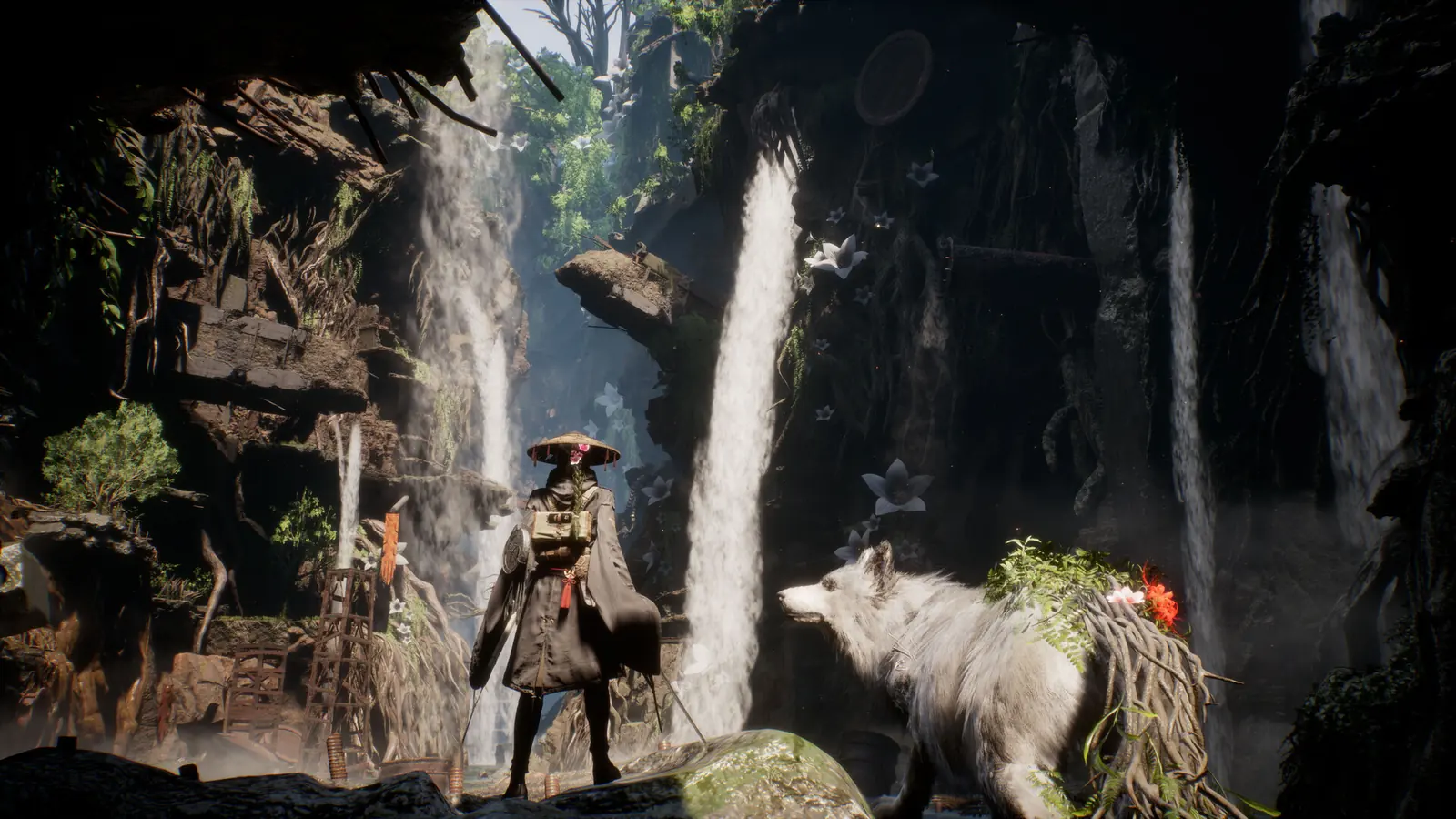
What system requirements can and cannot tell you
A requirements table is a compatibility signal, not a complete performance review. Frame pacing, loading behavior, heat, fan noise, controller response, stutter, and image quality can vary with drivers, Windows updates, background programs, storage type, settings, and the exact area of the game. A PC that technically meets a minimum line may still benefit from lower settings or a lower resolution.
Resolution changes the workload, but “1440p” alone does not define a result. A useful comparison would need a named GPU, processor, memory, graphics preset, upscaling mode if available, driver version, frame-rate target, and repeatable scene. This wiki will add a performance note only when those conditions can be observed and reproduced instead of copying a guess from a clip.
Third-party compatibility tools can reveal an obvious mismatch, but their data may lag behind a patch. Use them as a prompt to verify Steam, not as the authority.
Keep PC requirements separate from console availability
PC system requirements answer whether a Windows machine matches the published Steam build. They do not describe PlayStation 5 or Xbox Series X|S hardware, and a console edition does not provide a shortcut to a PC recommendation. For release dates, regions, editions, and platform availability, use the separate release guide instead of merging every store detail into one compatibility claim.
The gameplay and combat pages answer different questions too. They explain what Emma and Koo do and how to approach the hybrid action-and-command loop. They should remain the destinations for mechanics and beginner decision-making, while this page stays focused on hardware evidence and the limits of a requirements table.
How this page will handle updates
Requirements are time-sensitive. A publisher can change the store block, a patch can change storage needs or performance, and a driver update can alter behavior without changing the headline hardware lines. Every future update should record the platform, region if relevant, game version or patch context, date checked, and the exact first-party source used.
When the live Steam page changes, this guide will update the copied wording, FAQ answers, performance caveats, captions, and links together. It will not silently replace an older number with a new one or present a third-party estimate as an official minimum.
Official sources and related guides
Use the first-party product pages for current requirements, purchase state, edition, region, and compatibility. This wiki does not host installers or provide a direct game-file download.